

1. Overview
Weekly Google Ads audits are essential for catching performance issues early, maintaining optimization discipline, and ensuring consistent execution across multiple accounts. However, manual audits require PMs to open Google Ads, navigate multiple views, pull week-over-week data, and write summary insights—often across a long list of client accounts.
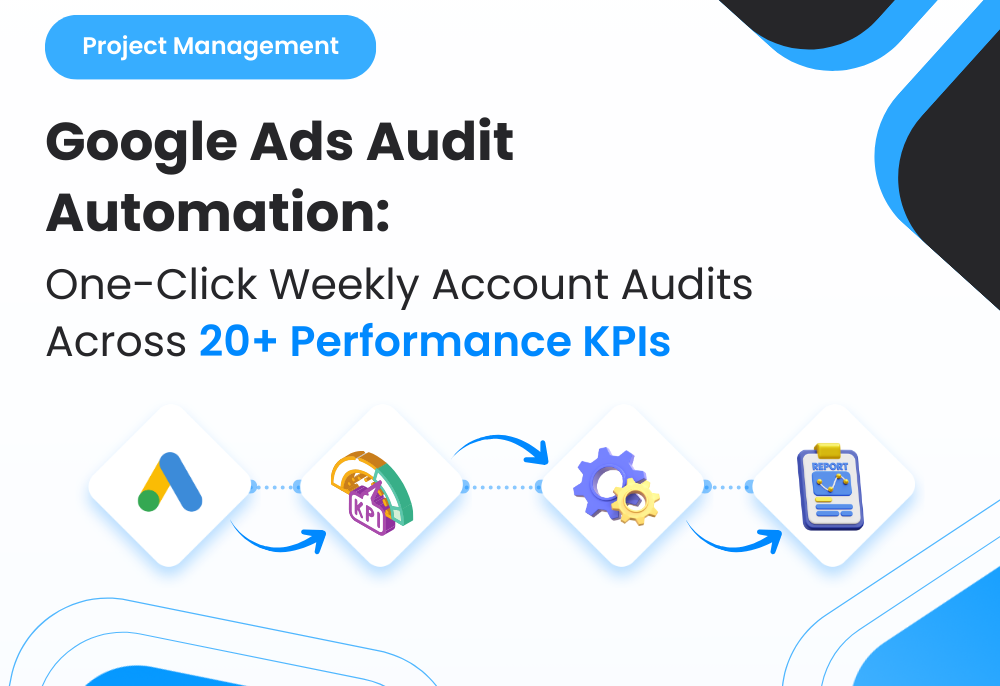
To solve this, I built a one-click weekly audit automation that pulls performance data from Google Ads, evaluates 20+ account health KPIs, flags risks and opportunities using rule-based thresholds, and sends PMs a formatted weekly audit report automatically. This gave PMs consistent insights at scale without spending time inside interfaces.
2. Background & Context
The agency managed multiple Google Ads accounts across different business models and budgets, including:
◉ Lead generation (consultation forms, calls, WhatsApp)
◉ E-commerce (purchase-focused performance)
◉ Local services (geo + schedule constraints)
◉ Multi-campaign structures (Brand / Non-brand / Retargeting / Performance Max)
Before automation, weekly audits involved:
◉ Logging into each account manually
◉ Checking spend pacing, CTR, CPC, conversion rate, CPA/ROAS
◉ Looking for anomalies (spend spikes, volume drops, tracking issues)
◉ Writing a summary for internal follow-up and client reporting
As account volume increased, audit quality and consistency became hard to maintain.
3. Problem Statement
Key operational issues included:
1. Weekly audits were slow and repetitive across many accounts
2. Audit quality varied across PMs and teams
3. Issues like tracking breaks or CPA spikes were detected late
4. Insights were not standardized (too subjective and inconsistent)
5. PM time was spent collecting data instead of taking action
The system needed a reliable method to run the same audit logic across all accounts automatically and deliver PM-ready insights.
4. Tools & Automation Stack
Tech stack & tools used:
◉ Google Ads API (data extraction)
◉ OpenAI API (insight generation from KPI snapshots)
◉ Make.com / Zapier (orchestrating workflows)
◉ Google Sheets (audit log storage and debugging trail)
◉ Slack / Email (delivery channel for weekly reports)
◉ ClickUp (optional: auto-create tasks for critical findings)
5. Automation Flow
The system followed this structure:
1. Weekly scheduler triggers the audit run
2. Automation pulls last 7 days + previous 7 days performance metrics per account
3. System calculates 20+ KPIs and deltas (WoW change)
4. Rule engine flags warnings and critical issues based on thresholds
5. AI generates a PM-friendly audit summary + next actions
6. A formatted report is produced for each account (or grouped by PM)
7. Reports are delivered automatically (Slack/email)
8. If critical → ClickUp task created with the audit summary attached
This created a consistent audit system that ran without manual review.

Fig. 1: Automated Weekly Google Ads Audit Workflow with KPI Evaluation and PM Action Routing
6. Implementation Details
6.1 KPI Audit Coverage (20+ Checks)
The audit evaluated:
◉ Spend (WoW change)
◉ Clicks (WoW change)
◉ Impressions (WoW change)
◉ CTR and CTR delta
◉ CPC and CPC delta
◉ Conversion volume and delta
◉ Conversion rate and delta
◉ CPA movement (or cost/conv)
◉ ROAS movement (if ecommerce)
◉ Impression share (where applicable)
◉ Lost IS (budget) and delta
◉ Lost IS (rank) and delta
◉ High-spend / low-conversion segments
◉ Search volume drops or spikes
◉ Zero conversion campaigns with non-trivial spend
◉ Conversion tracking health signals (conversion drop-to-zero flags)
◉ Budget utilization patterns (under/over pacing signals)
◉ Top campaign risk flags (largest spend + declining efficiency)
This ensured the audit didn’t rely on one or two headline metrics.
6.2 Rule-Based Flagging Logic (Threshold Examples)
The audit applied consistent rules such as:
◉ CTR drop beyond threshold → Performance drift flag
◉ CPA increase beyond threshold → Efficiency risk flag
◉ Spend up with conversions flat/down → Waste risk flag
◉ Conversions drop near-zero → Tracking or funnel alert
◉ Lost IS (budget) high → Scaling opportunity / budget constraint flag
◉ CPC spike with no efficiency improvement → Auction pressure flag
Each flag produced a severity level (Info / Warning / Critical) and a reason label.
6.2 Rule-Based Flagging Logic (Threshold Examples)
The following prompt powered the summary layer:
					You are a senior Google Ads analyst writing a weekly audit for a project manager.

Input includes:
- Current week KPIs
- Previous week KPIs
- Week-over-week deltas
- Flags (Info/Warning/Critical) with reasons

Output requirements:
1) A short performance overview (2–4 lines)
2) A bullet list of critical issues (only if present)
3) A bullet list of opportunities (only if present)
4) A "Next Actions" checklist (max 5 items)
Tone: clear, direct, PM-friendly. Avoid generic advice.
The AI output was designed to be readable in under one minute per account.
6.4 Report Format (Delivered to PMs)
Each account report was structured as:
◉ Account snapshot (spend, conversions, CPA/ROAS, CTR)
◉ Week-over-week movement summary
◉ Alerts (Critical/Warning)
◉ Opportunities (scaling, coverage, efficiency)
◉ Next actions (short checklist)
This ensured the same audit structure across all accounts.
7. Score Mapping / Classification Logic
Accounts were classified into a health status:
| Status | Meaning | Behavior |
|---|---|---|
| Healthy | No material risks detected | Normal monitoring |
| Watchlist | Early warning signals present | Review during weekly optimization |
| Critical | Immediate risk or tracking anomaly | PM alerted + task created |
This allowed PMs to prioritize which accounts needed attention first.
8. ClickUp Automations
Rules used inside ClickUp:
					If Status = Critical → Create task in “Urgent” list
If Flag Type = Tracking → Assign to tracking owner + add checklist
If CPA Spike = Critical → Assign to performance lead
If Watchlist persists 2 weeks → escalate priority and add to weekly review agenda
This created execution accountability rather than “report-only” insights.
9. Code-to-Business Breakdown
| Logic / System Component | Business Impact |
|---|---|
| API pull + weekly deltas | Removes manual data gathering |
| KPI threshold flags | Standardizes audit quality across PMs |
| Classification (Healthy/Watchlist/Critical) | Instant prioritization across large account lists |
| AI audit summary generation | Removes repetitive analysis writing |
| Formatted report delivery | PMs don’t need to open Google Ads |
| ClickUp task creation for criticals | Ensures issues convert into action |
10. Real-World Brand Scenario: Deployment for CliniX
About Operating Environment CliniX (Pseudonym)
CliniX is a fictional name used to represent an actual client. Certain details have been modified to preserve confidentiality.
CliniX operates as a healthcare clinic running Google Ads primarily for lead generation, including appointment bookings, consultation inquiries, and diagnostic service requests. The account structure focused on high-intent search traffic, localized targeting, and strict cost-per-lead efficiency.
Given the medical context, performance volatility had a direct impact on patient acquisition. Even short-term issues—such as tracking disruptions, CPC spikes, or conversion drops—could significantly affect weekly lead volume.
How Google Ads Audits Were Handled Before Automation
Before the automated audit system was implemented, weekly Google Ads reviews for CliniX were handled manually.
This typically involved:
◉ Logging into the Google Ads account each week
◉ Manually checking spend, CTR, CPC, conversions, and CPA
◉ Comparing current performance against the previous week
◉ Identifying anomalies through visual inspection
◉ Writing a brief summary for internal follow-up
While this process worked in principle, it was time-consuming and dependent on individual judgment. As a result, certain issues—such as gradual efficiency decline or early tracking problems—were not always detected immediately.
Why the Need Became Critical
As CliniX’s campaigns scaled and weekly spend increased, the margin for error narrowed.
Key risks included:
◉ Conversion drops that could indicate tracking issues
◉ CPA increases driven by auction pressure or keyword drift
◉ Spend fluctuations without corresponding lead volume
◉ Budget underutilization or overpacing during peak demand periods
Manual audits made it difficult to consistently apply the same evaluation logic every week. The clinic required a reliable way to detect issues early and prioritize corrective action without increasing operational workload.
How the Automated Audit Was Implemented in Practice
The automated weekly audit system was introduced as a monitoring and decision-support layer, not as a reporting replacement.
Implementation focused on:
◉ Running a scheduled audit every week without manual triggers
◉ Evaluating over 20 KPIs using the same rule set every time
◉ Classifying account health into clear, actionable states
◉ Delivering PM-ready insights without requiring interface checks
The system compared the most recent 7-day performance against the previous 7 days, calculated deltas, applied threshold-based flags, and generated a structured audit summary for Vitalab’s account.
How Execution Changed After Adoption
Once the automated audit was in place:
◉ Performance issues surfaced consistently at the start of each week
◉ Tracking anomalies were detected earlier through conversion-drop flags
◉ CPA and CTR drift became visible before significant lead loss occurred
◉ Manual data collection was eliminated from the audit process
Instead of spending time reviewing dashboards, attention shifted to deciding and executing corrective actions.
11. Results Observed for CliniX
Faster Issue Detection
◉ Conversion tracking issues were flagged immediately when volume dropped toward zero
◉ CPA and CTR deterioration was identified through week-over-week deltas
◉ Waste patterns (spend up, conversions flat/down) became clearly visible
Improved Audit Consistency
◉ Every weekly audit followed the same 20+ KPI checklist
◉ No variance in audit quality across weeks
◉ Clear separation between informational signals and critical risks
Reduced Manual Overhead
◉ Manual interface-based audits were fully eliminated
◉ Review time shifted from data gathering to decision-making
◉ Weekly audits could be completed in minutes instead of hours
12. Challenges & Adjustments During Live Use
Several refinements were made after observing real account behavior:
Generic thresholds across all campaigns
◉ Introduced budget- and goal-aware threshold scaling suitable for lead generation accounts.
Single-metric false alarms
◉ Required multiple supporting signals (e.g., CPA spike + conversion drop) before escalating severity.
Overloaded summaries
◉ Limited AI output to concise, PM-friendly insights and a maximum of five next actions.
These adjustments improved signal quality without reducing sensitivity.
13. Key Learnings
◉ Weekly audits are most effective when they run consistently without manual effort
◉ Lead-generation accounts require early-warning signals rather than retrospective analysis
◉ Classification systems simplify decision-making under time constraints
◉ Automation delivers the most value when it converts insights into prioritization
14. Conclusion
This case study demonstrates how an automated weekly Google Ads audit system can be applied to a healthcare lead-generation account like Vitalab.
By evaluating 20+ KPIs on a fixed schedule, applying consistent health rules, and delivering PM-ready insights, the system improved issue detection speed, reduced manual audit overhead, and ensured that performance risks were identified and addressed early—without adding operational complexity.
Looking to Run Consistent Weekly Google Ads Audits Across All Accounts Without Manual Work?