

1. Overview
Meetings generate critical decisions, commitments, and next steps, but much of that value is often lost after the call ends. In fast-moving marketing environments, meeting outcomes frequently require hours of manual cleanup before they become actionable—if they are captured accurately at all.
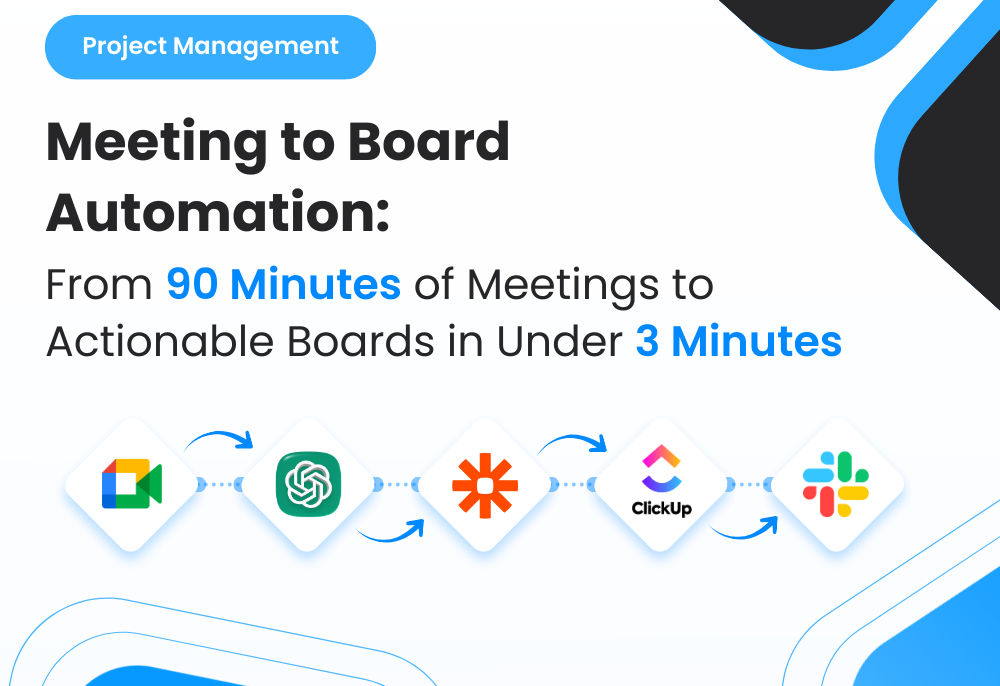
This case study documents the implementation of an AI-powered meeting-to-execution workflow that automatically converts meeting transcripts into fully structured project boards inside ClickUp. The system extracts tasks, subtasks, owners, priorities, deadlines, blockers, and dependencies—then generates execution-ready boards within minutes, without manual note-taking or follow-up documentation.
The workflow was implemented and validated inside a live marketing agency environment, OnDeemand, allowing the system to be tested under real operational pressure across client and internal meetings.
2. Background & Context
3. Problem Statement
4. Tools & Automation Stack
5. Automation Flow

Fig. 1: AI-Powered Meeting-to-Execution Workflow for Automatic Project Board Creation
6. Implementation Details
6.1 AI Prompt (The Core Logic)
The system used the following prompt to extract structured action items:
					“Analyze the following meeting transcript and extract all actionable items.
For each action item, identify: task name, detailed description, owner/assignee,
priority (low/medium/high), due date (if mentioned), blockers, dependencies, and next steps.

Transcript: {{full_transcript}}

Output Requirements:
- Provide a structured JSON list of tasks.
- Each task must include:
  - title
  - description
  - assignee
  - due_date
  - priority
  - blockers
  - dependencies
  - subtasks (if mentioned)
Only output clean JSON without commentary.”
The AI returns clean, structured task data ready for automation.
6.2 Score Mapping (Interpretation Rules)
Although this workflow didn’t score tasks numerically, it used a classification system similar in intent:
| Category | Meaning | Behavior |
|---|---|---|
| High Priority | Time-sensitive or crucial tasks | Marked as “High” in ClickUp |
| Medium Priority | Normal tasks | Standard workflow placement |
| Low Priority | Non-urgent tasks | Moved to backlog or future sprint |
| Blockers Identified | Dependencies or issues | Highlighted for escalation |
This ensured all tasks entered ClickUp with clear priority and context.
6.3 ClickUp Automations
To ensure structured boards, the following rules were applied within ClickUp:
					If task contains blockers → Tag as “Blocked”
If priority = High → Add to “Immediate Action” List
If task includes dependencies → Link tasks automatically
If due date is missing → Assign default follow-up for PM review
If assignee not specified → Assign to project manager for routing
This kept the project board meticulously organized without human intervention.
6.4 Data Extracted for AI Processing
This ensured a complete, accurate mapping of meeting content into a project board.
7. Code-to-Business Breakdown
| Logic / Code | Business Impact |
|---|---|
| Transcript ingestion | Eliminates manual note-taking |
| JSON task extraction | Converts conversations into immediate execution items |
| Priority tagging | Ensures urgent items rise to visibility |
| Blocker detection | Accelerates problem-solving and escalation |
| Auto task creation | Removes administrative burden |
| Slack notifications | Speeds up team awareness and execution |
8. Real-World Brand Scenario: Deployment Inside Solution By Ray (SBR)
About Solution By Ray (Operating Environment)
Solution By Ray (SBR) operates as a systems and automation-focused execution layer supporting multiple teams, projects, and client workflows. A core responsibility within SBR involves managing high-frequency communication through meetings—including strategy sessions, execution syncs, performance reviews, and cross-functional coordination.
These meetings serve as a primary source of execution decisions, task assignments, and project direction. However, the value generated during meetings depended heavily on how efficiently that information could be translated into actionable work.
How Meetings Were Handled Before the System
Before the AI-driven system was introduced, meeting outputs were processed manually.
This typically involved:
◉ Reviewing recordings or transcripts after meetings
◉ Writing summaries and extracting action items
◉ Creating tasks and subtasks inside ClickUp
◉ Assigning owners and estimating deadlines
◉ Identifying blockers and dependencies manually
This process required 1–2 hours per meeting, resulting in 10–12 hours of weekly administrative overhead.
Additionally:
◉ Action items were sometimes missed or misinterpreted
◉ Follow-ups were delayed due to manual processing time
◉ Task structures varied depending on the PM
Why the Need Became Critical
As SBR scaled across multiple projects and teams:
◉ Meeting volume increased significantly
◉ Manual processing became a bottleneck to execution
◉ Delayed task creation slowed project momentum
◉ Inconsistencies in task structure affected team clarity
◉ PM time shifted from execution oversight to administrative work
At this stage, meeting management became a limiting factor in operational efficiency.
How the System Was Implemented in Practice
The AI-powered meeting-to-execution system was introduced as an automation layer on top of existing workflows, not as a behavioral change.
Key implementation principles included:
◉ Using transcripts as the primary data source
◉ Automating task extraction through AI-based analysis
◉ Generating structured JSON outputs for direct system use
◉ Creating ClickUp boards automatically after each meeting
◉ Applying consistent logic for priorities, dependencies, and ownership
Meetings continued as usual, while the system handled conversion into execution-ready structures in the background.
How Execution Changed After Adoption
Once deployed inside SBR:
◉ Meeting outputs were converted into structured task boards within minutes
◉ No manual cleanup or note-taking was required
◉ Tasks included ownership, deadlines, blockers, and dependencies by default
◉ Teams immediately acted on clear, organized execution plans
◉ PMs shifted focus from documentation to delivery and risk management
Meetings transitioned from passive discussions into direct execution triggers.
9. Results & Performance Impact
Time Efficiency
◉ 10–12 hours saved per week by eliminating manual meeting cleanup
◉ Immediate availability of structured tasks after meetings
Execution Speed
◉ Action items identified within minutes
◉ Faster follow-ups and reduced execution delays
Operational Clarity
◉ Single source of truth for meeting outcomes
◉ Clear ownership and accountability across teams
Scalability
◉ Applied across all meeting types without additional setup
◉ Standardized meeting-to-execution workflow across projects
10. Challenges & Adjustments
During live usage:
◉ Overlapping conversations in transcripts → Implemented speaker separation preprocessing
◉ Ambiguous owner references → Added mapping logic for consistent assignment
◉ Excessive task generation from long meetings → Introduced relevance filtering and grouping
11. Key Learnings
◉ Meetings contain high-value execution data when structured properly
◉ Automation eliminates administrative bottlenecks
◉ AI improves consistency in task extraction
◉ Faster conversion from discussion to execution increases project velocity
12. Conclusion
This case study demonstrates how an AI-powered meeting-to-execution system can be implemented inside Solution By Ray (SBR) to streamline operational workflows at scale.
By converting meeting transcripts directly into structured ClickUp boards, the system eliminated manual processing, improved execution speed, and ensured consistent task clarity—transforming meetings into reliable execution engines without increasing operational complexity.
Ready to Automate Your Meeting Notes and Turn Every Call Into an Execution-Ready Project Board?